How to turn a picture into a coloring page
Published 2026-10-16 · Updated 2026-10-16
A photo becomes a coloring page when you turn it into black lines on white, for free, before you pay a generator. In GIMP, open the photo and use Colors, then Threshold for a hard black-and-white split, or Filters, then Edge-Detect, then Sobel for black edge lines. A small child who still scribbles needs a few large shapes, not a busy snapshot. That is the limit of an automatic conversion: black lines are not the same as a page small hands can fill.
A free editor, not a signup
GIMP is free software for GNU/Linux, macOS, and Windows. Threshold turns the current layer into black and white. Pixels inside the range go white, and pixels outside go black. The same page says the anti-aliasing of the original image disappears. That helps a toy on a plain wall. It is harsh on a shaded face.
Sobel detects edges and, in the docs, leaves a transparent image with black lines and some rest of colors. Put that result on a white layer before you print, or the marks can vanish on paper. If the edges are hair-thin, the photo was too detailed. Crop to one subject and run the filter again.
When the automatic pass fails, draw the lines. Photopea calls itself a free online editor that runs in the browser, and it says files stay on the device. Add a layer, draw thick black outlines over one subject, hide the photo, and export a PNG. Skip a maze of hair strands if the child is still making dots.
What the hand can fill
HealthyChildren lists spontaneous scribbling on its two-year milestone page. The CDC says developmental milestones are things most children (75% or more) can do by a certain age, and by three years that list includes drawing a circle when you show how. The same CDC page suggests an activity box with paper, crayons, and coloring books. A sheet of tiny regions fights that hand. Keep one subject, close the shapes, and leave areas bigger than a crayon tip.
Milestones are a general picture, not a test the child must pass before coloring. A child who covers one corner has still used the sheet.
What the live generators do
The first result is the opened ColorBliss homepage. It offers a free try of up to 12 pages, with PNG or PDF files at 300 DPI, and does not describe an offline workflow. The third result is the opened ReallyColor homepage. It turns photos into coloring pages and books, including books sent to the door, and does not describe an offline workflow.
A video sits in the second slot. That page did not return readable steps, so this guide does not recap it.
A name page is a different job
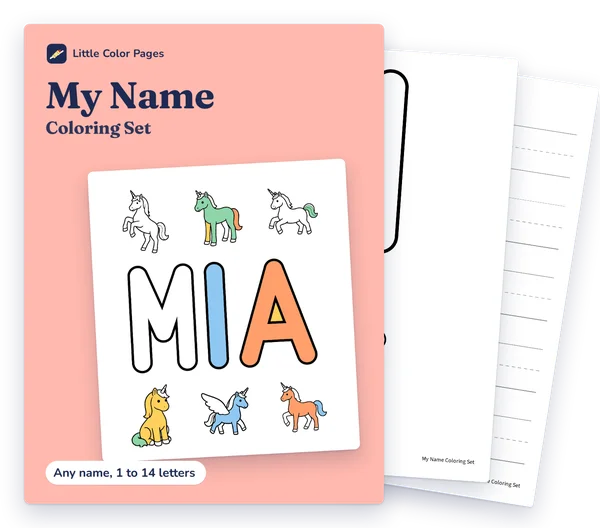
Turning a pet photo into lines is the job above. A page built from a child's name is a different job. The My Name Coloring Set ($3.00) is coloring and tracing pages built around your child's own name, as separate US Letter and A4 PDFs, plus an offline Name Maker that opens in a web browser. Pictures in the My Name Coloring Set are made with AI image tools, then cleaned up and checked page by page; they are not drawn by a human artist.
If the child is still at scribbles, start with activities for two-year-olds. Hand skills that come before neat coloring sit in fine motor activities for preschoolers.
How do I turn my photos into coloring pages?
Open the photo in free GIMP. Use Threshold for a hard black-and-white split, or Sobel for black edge lines, then print on white.
How can I turn a picture into a coloring sheet?
A high-contrast subject converts more cleanly than a busy snapshot. If the automatic lines fail, draw thick outlines on a new layer and hide the photo.
How do I convert any image to a coloring page?
Any image can be forced into black and white. A page a small child can color still needs a few large closed shapes, which many photos do not have.
How can I create a coloring page from a photo?
Open the photo in free GIMP, run Threshold or Sobel, and print the black lines on white. Crop to one subject if the edges stay busy.
Sources
- GIMP, the GNU Image Manipulation Program, GIMP (2026)
- Threshold, GIMP Documentation (2026)
- Sobel, GIMP Documentation (2026)
- Free online photo editor, Photopea (2026)
- Developmental Milestones: 2 Year Olds, HealthyChildren.org (2009)
- Milestones by 3 Years, Centers for Disease Control and Prevention (2026)
- Free AI coloring page generator, ColorBliss (2026)
- Turn photos into coloring pages and coloring books, ReallyColor (2024)